New: AI Assistant (Beta) Now Available
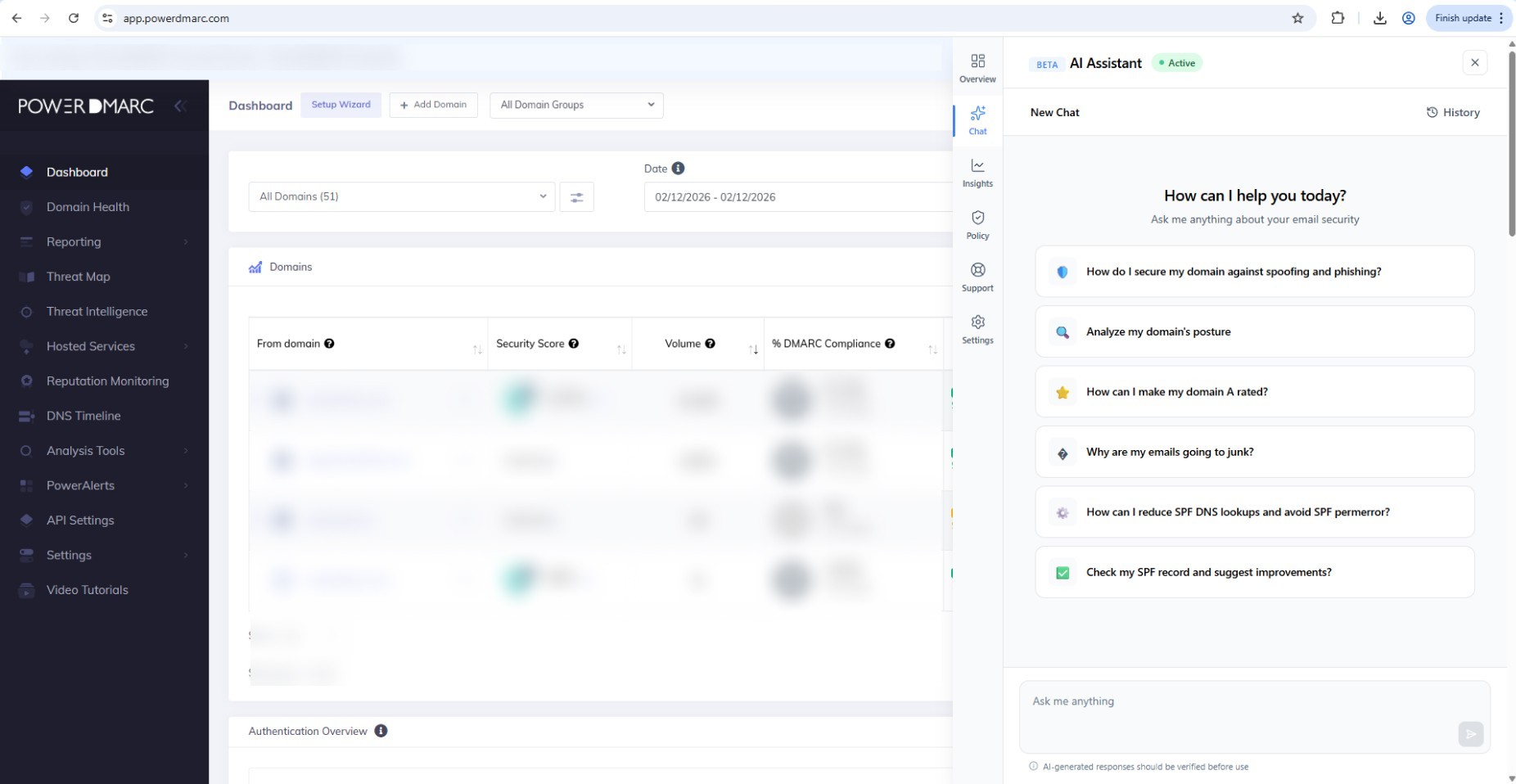
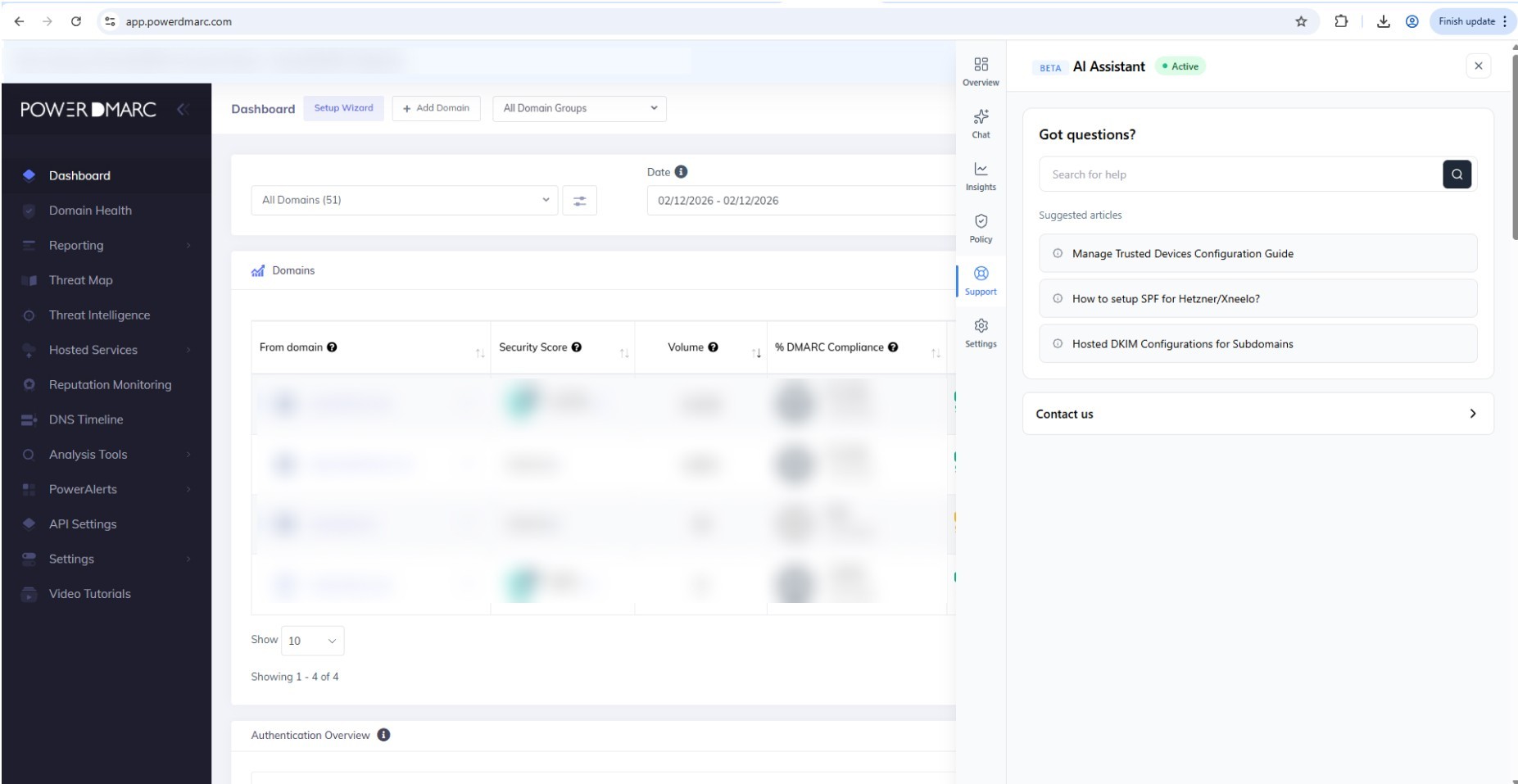
Availability: Rolling out to app.powerdmarc.com Basic & Enterprise Plan Users only. MSP/MSSP’s are not included. We are launching the PowerDMARC AI Assistant (Beta) to help you get faster answers about email authentication and domain security, directly inside the platform. What’s new AI Assistant available on every page You will see the AI Assistant button in the bottom-right corner of every page. Clicking it opens a chat pop-up, so you can ask questions without leaving your current screen. What you can use it for The AI Assistant can help with: Understanding SPF, DKIM, and DMARC concepts and best practices Troubleshooting common authentication issues and explaining what they mean Guidance on improving your domain’s email security posture Domain-level checks if you provide a domain name (example: DMARC, SPF, DKIM status for a specific domain) Suggested questions to try: Analyze my domain’s posture How do I secure my domain against spoofing and phishing? Why are my emails going to junk? How can I reduce SPF DNS lookups and avoid SPF permerror? Check my SPF record and suggest improvements How can I make my domain A rated? Current beta limitation At this stage, the AI Assistant does not have access to your account data inside PowerDMARC. That means: It cannot read your platform dashboards, reports, settings, billing, or account configuration It can still provide guidance and can analyze a domain if you share the domain name Account-aware insights will be introduced in future updates. Support and feedback Support Inside the AI Assistant, open the Support section to: Search our Knowledge Base articles Create a support ticket if you need help from our team We want your feedback Since this is a beta release, we would love your feedback to help us improve. Share feedback by creating a support ticket and keeping “AI Assistant Feedback” as the subject If possible, include the question you asked and a screenshot of the response